The two tile walls I wrote up last time are painted. A brush drifts, a wash pools, an ink line goes on top. The two new ones are not. Alicatado is cut: every piece is chipped out of a fired, glazed tile with a hammer and bedded in lime next to its neighbours, the way the dados of the Alhambra were made. Hidráulico is pressed: pigmented cement poured into a brass divider, lifted, pressed and left to cure, never fired, the way every hallway in Spain was floored between 1880 and 1960.
Same question as before, from a different side. The first two pages asked what a rule looks like once a hand has painted it. These ask what a rule looks like once a material has been through it.
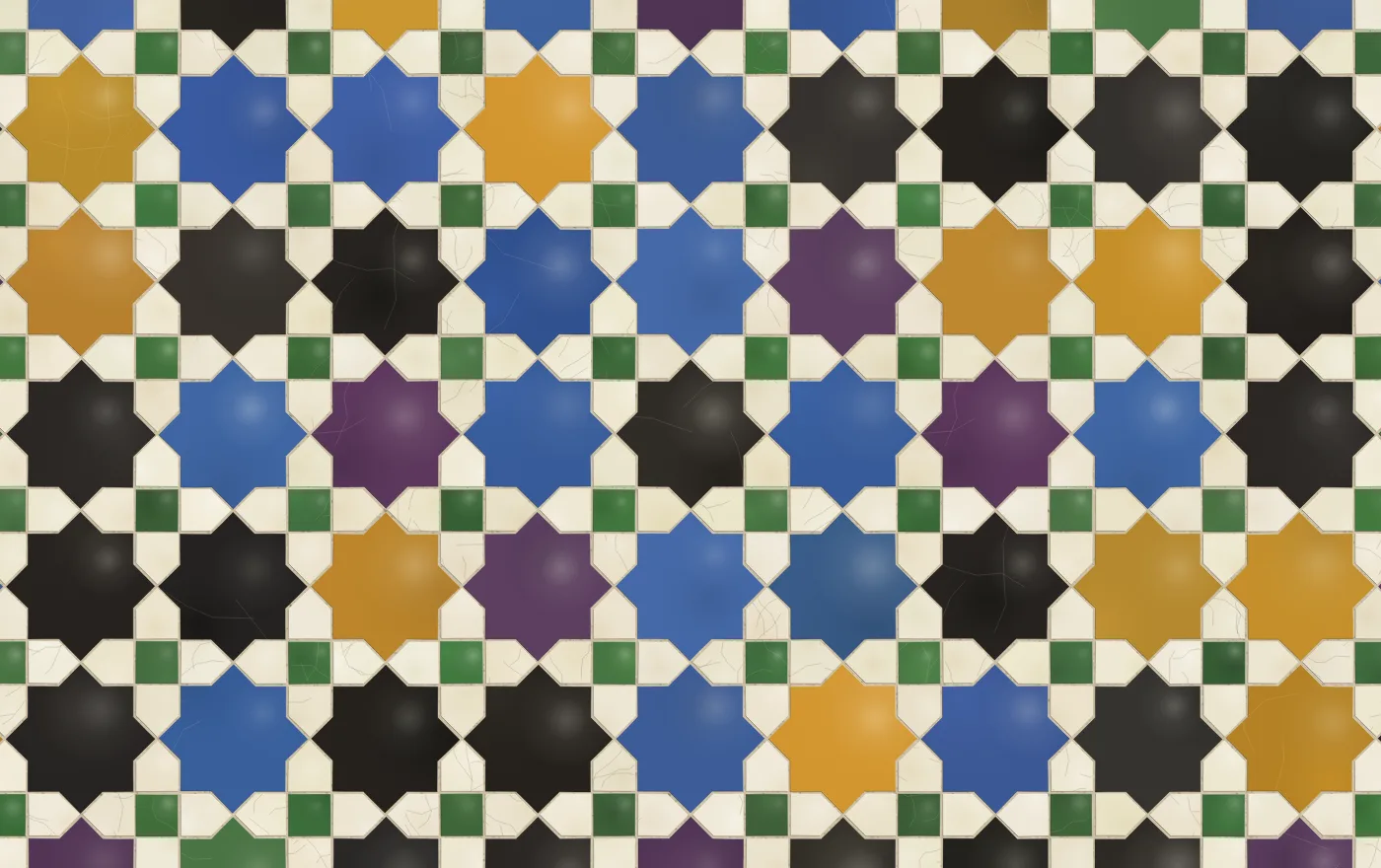
The mexuar preset. Octagons and squares underneath, θ at 45 degrees, and every region a piece.
The geometry is borrowed
Alicatado draws nothing new. The pattern comes straight from Çini: a hidden tiling of octagons and squares, or dodecagons and triangles, or hexagons, gets a contact point on the midpoint of every edge. Two rays leave each contact point at an angle θ and the pattern is where the rays collide. Turn the line web into a planar graph, walk its faces, and you have a list of polygons. Çini colours those polygons by class and calls it a mosaic.
That was the bit I kept looking at. The mosaic mode in Çini already insets every face from its edges a little and calls the gap grout, and the Alhambra palette already cycles glazes by position. It was most of the way to being cut tile without ever treating a face as a thing. So the new page is the same polygons, and all the work is in what happens to each one after.
The cutter
A piece on a real alicatado wall is cut by hand to a drawing, and it misses the drawing in four ways. It is set a fraction off where it should be. It is turned a fraction. Its corners are nicked. Its long edges bow, because a hammer does not cut straight. So every face gets a shift, a turn, a jitter on each vertex and a bow on any edge longer than half a unit, all scaled by a slider called cut, and all drawn from a random generator seeded by the face’s position, so the same piece is wrong the same way every time you pan back to it.
Then the mortar. Çini shrinks a face towards its centroid to make the joint, which is fine for a square and wrong for a star. Scaling a star towards its centre moves the points a long way and the inner corners hardly at all, so the mortar is wide at the tips and thin in the notches. A real joint is the same width everywhere. The fix is a mitred offset: at each vertex, move inward along the bisector of the two edge normals by the joint width over the cosine of the half angle, clamped so a very sharp point can’t shoot off to infinity.
function offsetPoly(poly, d) {
  const n = poly.length, out = [];
  for (let i = 0; i < n; i++) {
    const p = poly[(i + n - 1) % n], v = poly[i], q = poly[(i + 1) % n];
    // unit edge directions, then their inward normals (the polygon is CCW)
    let e1x = v[0] - p[0], e1y = v[1] - p[1], l1 = Math.hypot(e1x, e1y) || 1;
    let e2x = q[0] - v[0], e2y = q[1] - v[1], l2 = Math.hypot(e2x, e2y) || 1;
    e1x /= l1; e1y /= l1; e2x /= l2; e2y /= l2;
    const n1x = -e1y, n1y = e1x, n2x = -e2y, n2y = e2x;
    let bx = n1x + n2x, by = n1y + n2y, bl = Math.hypot(bx, by);
    if (bl < 1e-6) { bx = n1x; by = n1y; bl = 1; }
    bx /= bl; by /= bl;
    const cosHalf = bx * n1x + by * n1y;
    const m = Math.min(d / Math.max(cosHalf, 0.2), Math.min(l1, l2) * 0.49);
    out.push([v[0] + bx * m, v[1] + by * m]);
  }
  return out;
}
That is the whole cutter. Twenty lines, and it is what makes a twelve-point wheel look set rather than drawn.
Each piece came from a different tile
The pieces of a cut-tile wall were chipped from many tiles, fired in many batches, so no two are quite the same colour. Every piece shifts its hue, saturation and lightness a touch from its class colour. On top of that goes a mottle, a soft radial cloud of the same glaze darker or lighter where it ran thick. Then the lustre: a glazed surface is glossy, so each piece gets a small highlight on the side nearer the light, with the light’s direction on a slider.
The pieces also stand proud of the mortar, and that is what the edges do. For each side of the inset polygon, take its outward normal and dot it with the light direction. Facing the light, stroke a thin pale line; facing away, a thin dark one, with the alpha scaled by the dot product. Nothing is actually raised, but at reading distance the wall has relief, and dragging the light slider round moves it the way it should.
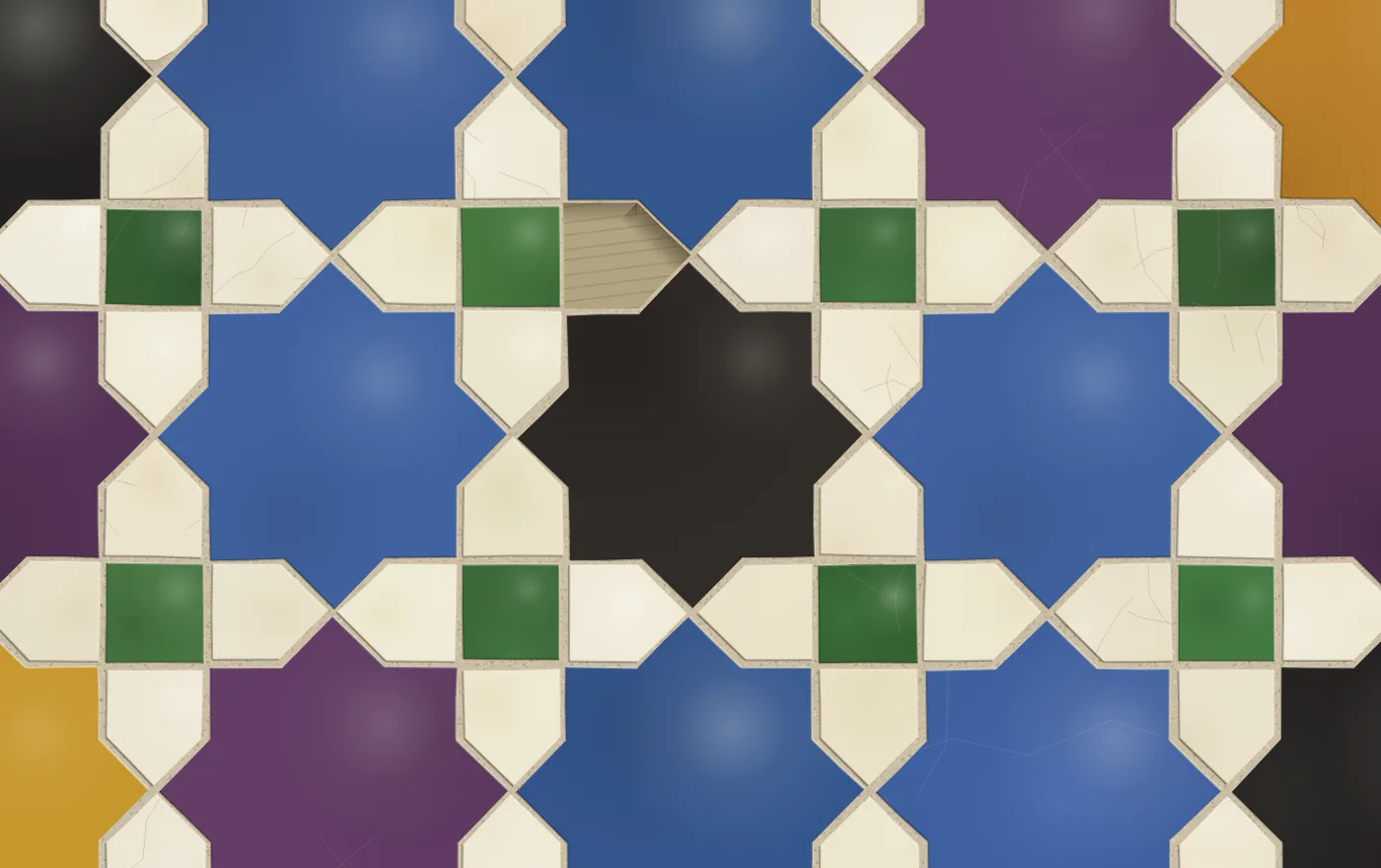
Close, with wear on. The crazing is in the white glaze, where it shows. The missing piece shows the bed, combed by a trowel, with a shadow cast onto it by the pieces still standing.
Wear is the last layer, and it took a second attempt. The first version drew a missing piece as a flat patch of mortar colour and a repaired piece in a random glaze from the palette, and both read as mistakes rather than history. Now a missing piece is sunk: darker, grainy, combed, with a shadow along the edges that face the light. A repair keeps its own colour and just looks newer, a touch brighter and glassier, with no crazing. The crazing itself only goes on about a third of the pieces, which is enough.
The pajarita
The Alhambra’s most famous alicatado is not a star pattern at all. It is the pajarita, the wall of birds, hexagons and stars in the p3 symmetry group with no mirrors, so every bird is the same hand. Çini draws it directly, with one S-shaped Bézier curve splitting every rhombus into two crescents. For Alicatado I sample each curve into ten points, so a crescent is a polygon like everything else and goes through the same cutter. The hexagons and stars sit over the birds, so they paint their own mortar first: a wide stroke of lime around the piece, then the inset fill on top.
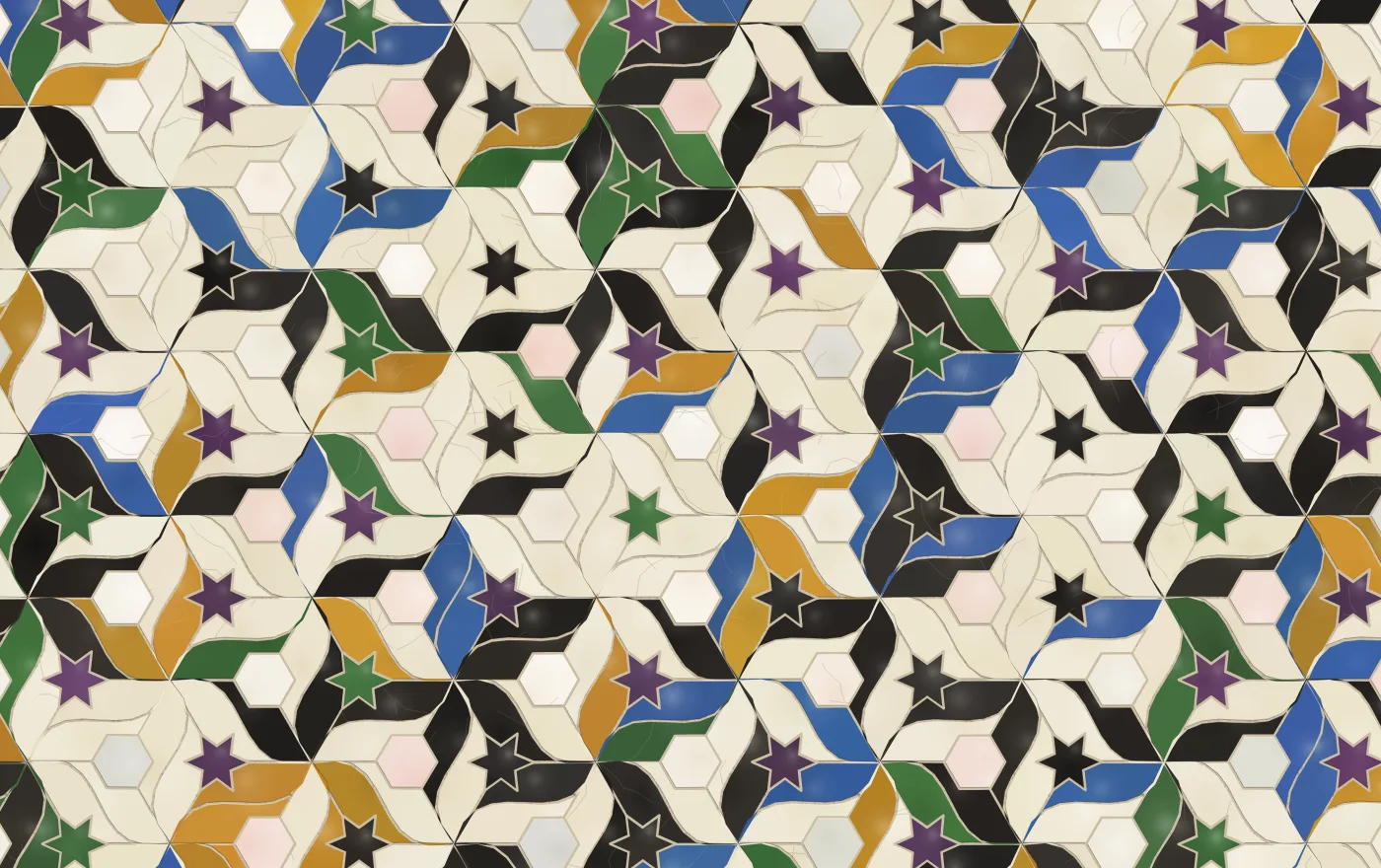
Pajaritos. Every curve is a polygon now, and every bird a piece.
Then cement
Hidráulico is the opposite kind of page. Where Alicatado used none of the azulejeria engine, Hidráulico uses all of it. The seeded design in one diagonal-symmetric square, the four repeats, the painters, the panel: all exactly as Azulejería and Jerez use them. What changes is what the tile is made of.
A cement tile is not painted, so there is no wash and no ink line. The pigment goes into a brass divider and comes out flat, matte, and butted straight against the next colour with no outline between them. The divider is metal, so edges are straight. The only hand in it is the bleed: a fraction of a millimetre where one pigment crept under the divider before it lifted. The surface is cement, so it has grain and cures a little unevenly, and it does not craze. It wears, and it wears where people walk.
So the engine now takes a material, an object of optional hooks that change what the tile is made of without touching what is drawn on it:
const material = {
  ampOf: hand => 0.0015 * hand,            // the mould is brass; the hand is only bleed
  shape(g, pts, col, b) {                  // flat fill, then the pigment that crept under
    trace(g, pts, true);
    g.fillStyle = col; g.fill();
    const bleed = b.amp * 7;
    if (bleed > 0.0005) {
      g.strokeStyle = col; g.lineWidth = bleed * (0.6 + 0.8 * b.rng());
      g.globalAlpha = 0.35; g.stroke(); g.globalAlpha = 1;
    }
  },
  surface(g, S, pal, rng) { /* grain, and the cast of an uneven cure */ },
  plain(g, S, pal, rng) { /* a checker's plain tile is solid pigment */ },
  lay: { shift: 0.004, turn: 0.003 },      // laid tight, machine square
  gapOf: S => Math.max(0.8, S * 0.01),     // a hairline joint
  age(ctx, t) {                            // the pigment dulls along the line people walk
    const walk = Math.exp(-((t.cy / (t.S * 2.6)) ** 2));
    const w = 0.05 + 0.85 * walk + (t.rng() - 0.5) * 0.12;
    ctx.fillStyle = hexA(t.pal.glaze, Math.min(0.6, w * 0.6));
    ctx.fillRect(-t.s / 2, -t.s / 2, t.s, t.s);
    // then scuffs, the odd crack, a corner chipped to the grey beneath
  },
};
shape, line and dot replace the brush’s strokes. surface lays the ground, plain paints the tile a checker alternates with, lay is how far a tile strays from its cell, gapOf is the joint, and age is drawn over each tile in its own frame when age is on, with the tile’s world position passed in so wear can follow a line through the floor rather than a line through the screen. Without a material, every hook falls back to the glazed behaviour.
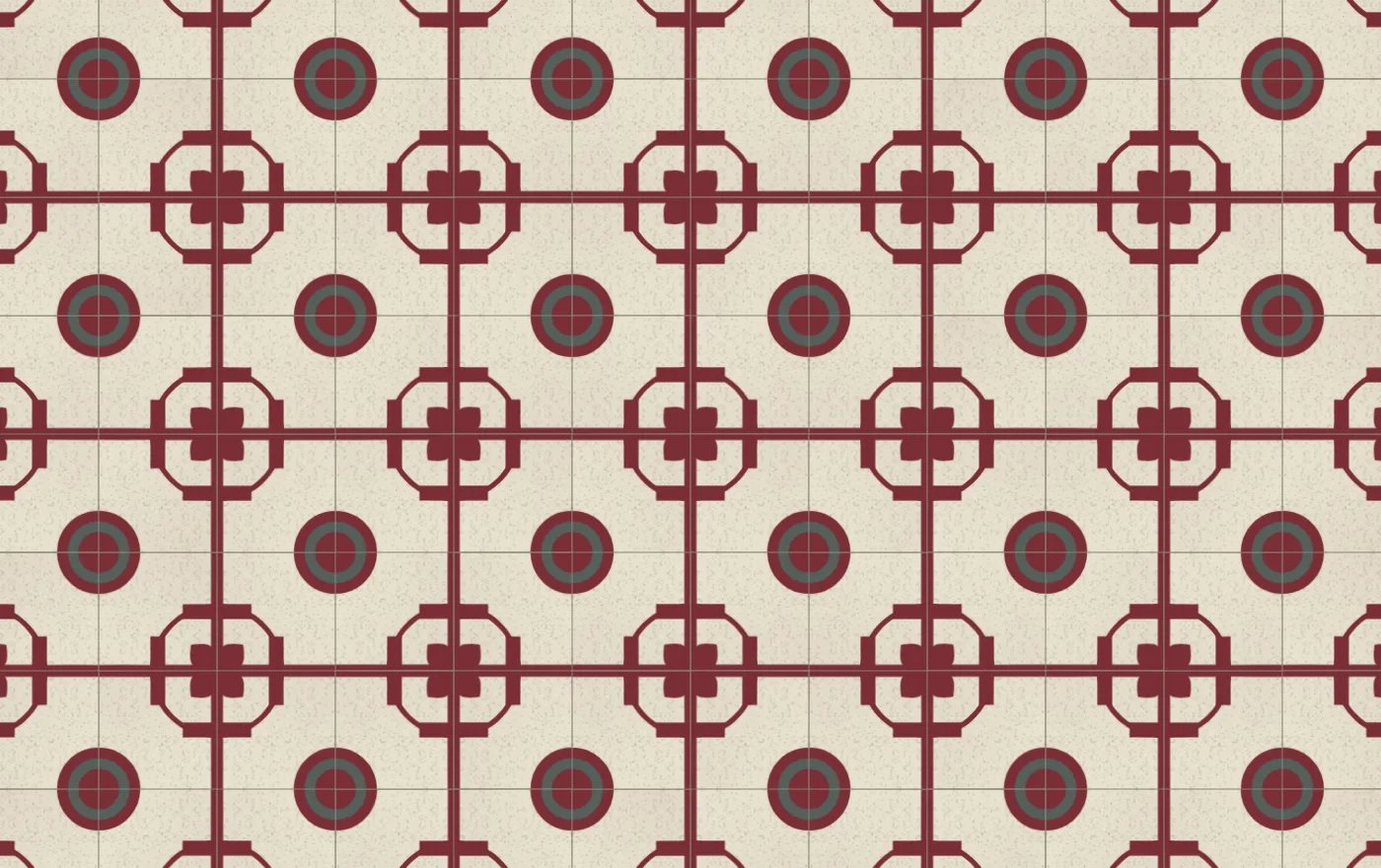
The zaguán preset. Flat burgundy and grey, straight edges, and a joint you can barely see.
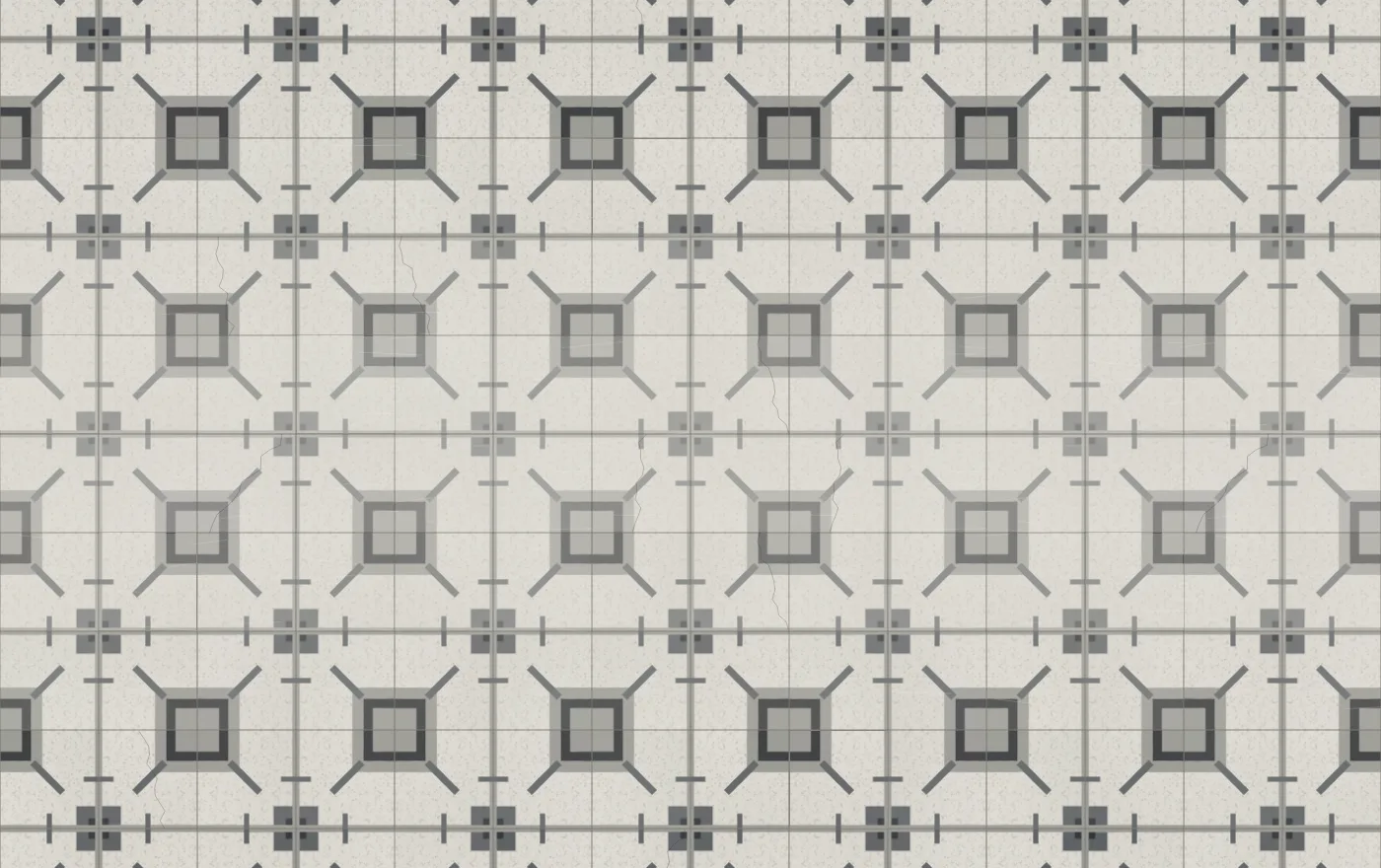
Bodega, with wear on. The paler band through the middle is the walked line.
The design itself never knows. None of the hooks read the design’s random generator, so a material cannot move a motif, and the engine’s old behaviour is untouched by construction: I hashed the canvas bytes of every Azulejería and Jerez preset, two query-string walls with age and checker on, and every thumbnail in every panel, before and after the change. All twenty-two identical. The package is at 1.1.0 and the README has the hooks.
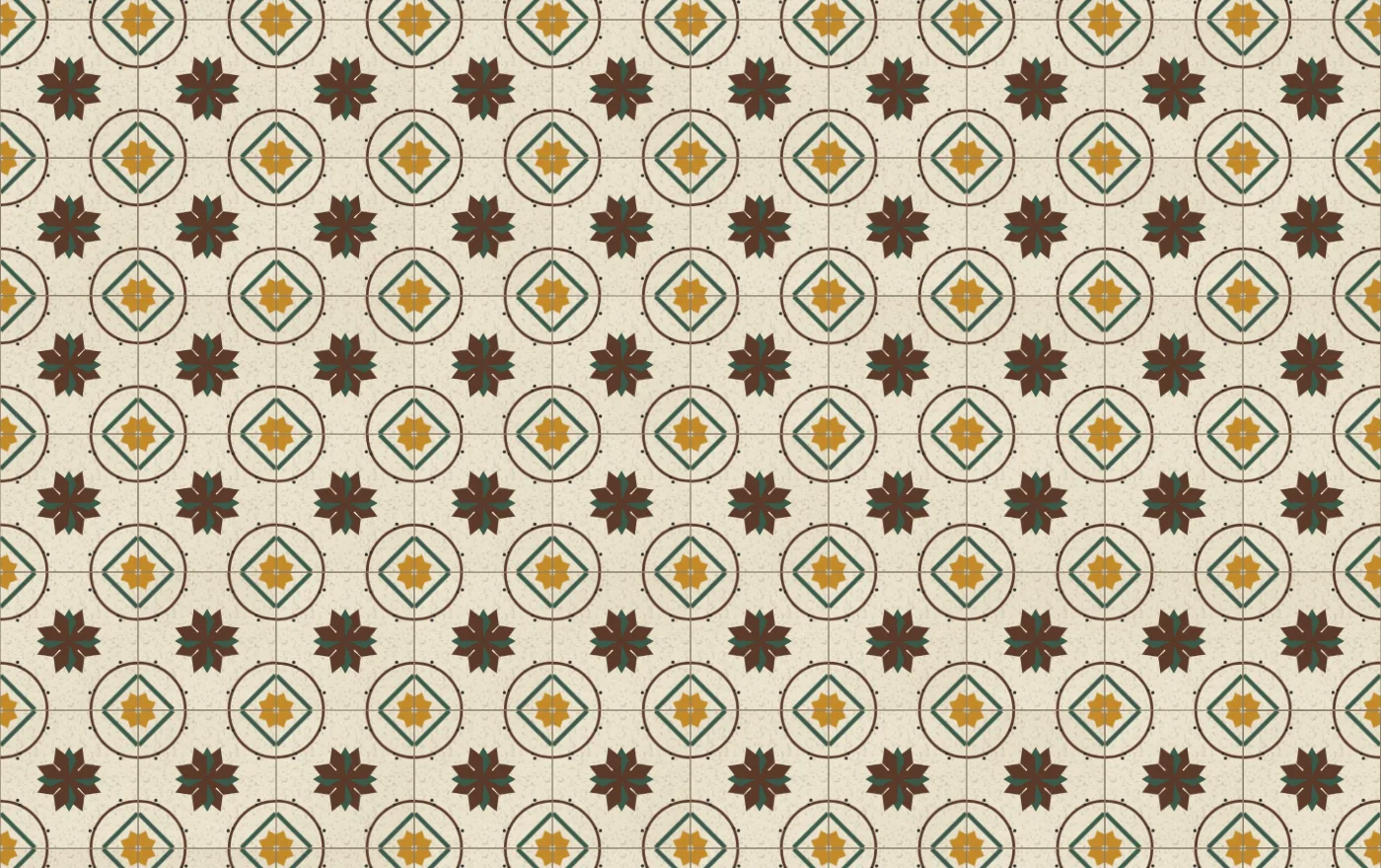
Casino. Every tile whole, the star at its centre, and a second star made by four corners.
What the two pages taught the engine
Alicatado is the more interesting of the two for the package, because it doesn’t use it, and yet it reimplemented half of it. Not the tile half: the drag, the pinch, the wheel, the double tap, the buffered repaint that lets you pan without recomputing the world, the panel with its tabs and thumbnails, the query string, the seeded random and the colour helpers. All of that is the same on every page, and Alicatado has its own copy because the engine only offers it bundled with a grid of square tiles.
So the next version of the engine draws its line somewhere else. A viewer: a canvas you paint a world into, with all the interaction and the panel. And on top of it, a tile wall, which is one paint function and the materials. Alicatado becomes the viewer plus its own paint function. So would a trencadís page, or a Roman mosaic, which is where the cutter would get reused. That’s a breaking change, so it waited until there were three materials to design it against instead of one.
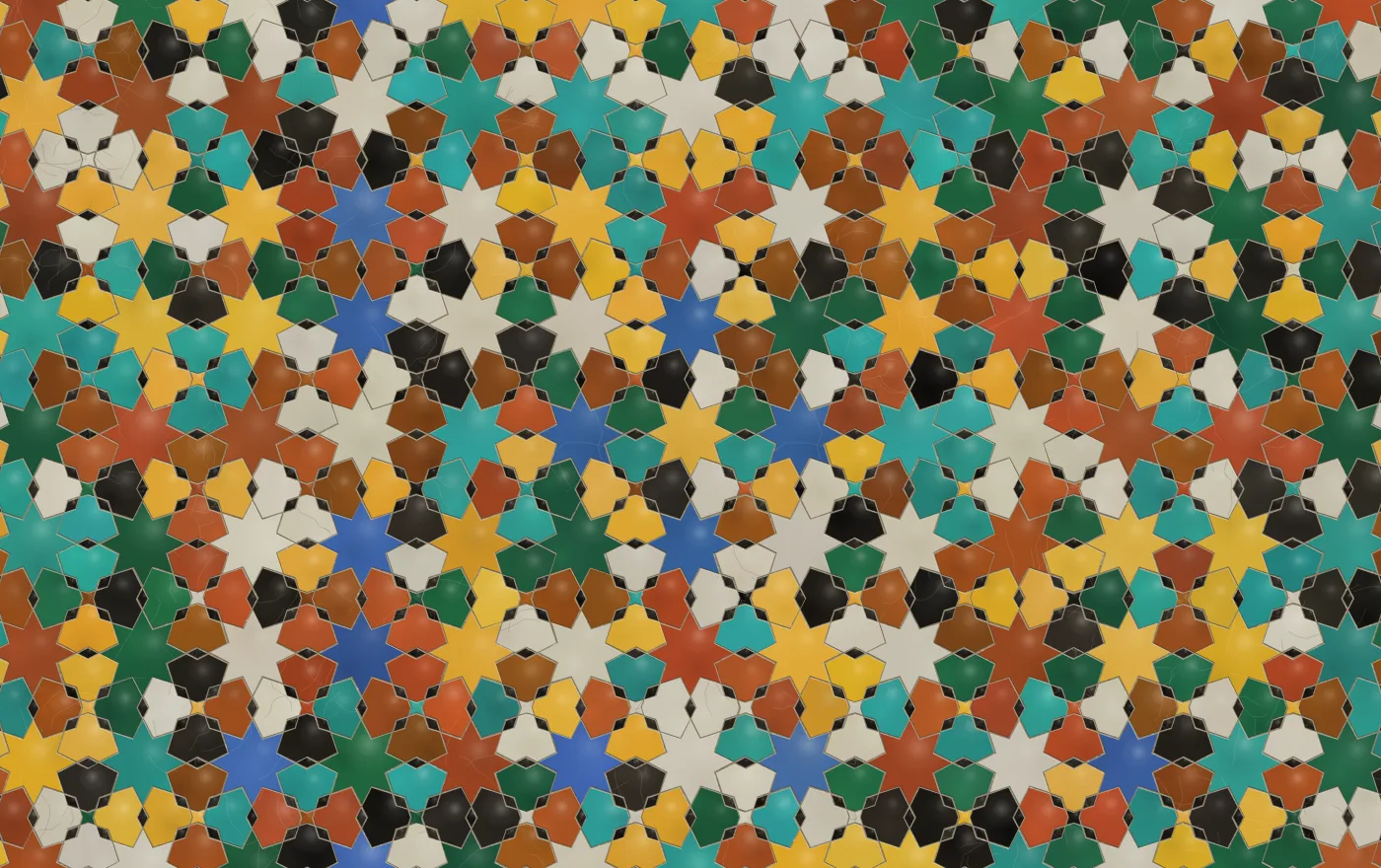
The fez preset. Small pieces, dark ground, the mortar doing most of the drawing.